Clearing space on my Linux server
All of my websites and projects run off a single 18GB EC2 instance. This is cheap, but means that I do something stupid in one directory I can cause "No space left on device" errors when rendering the blog. This happens enough that I wanted to document what commands I run to recover space.
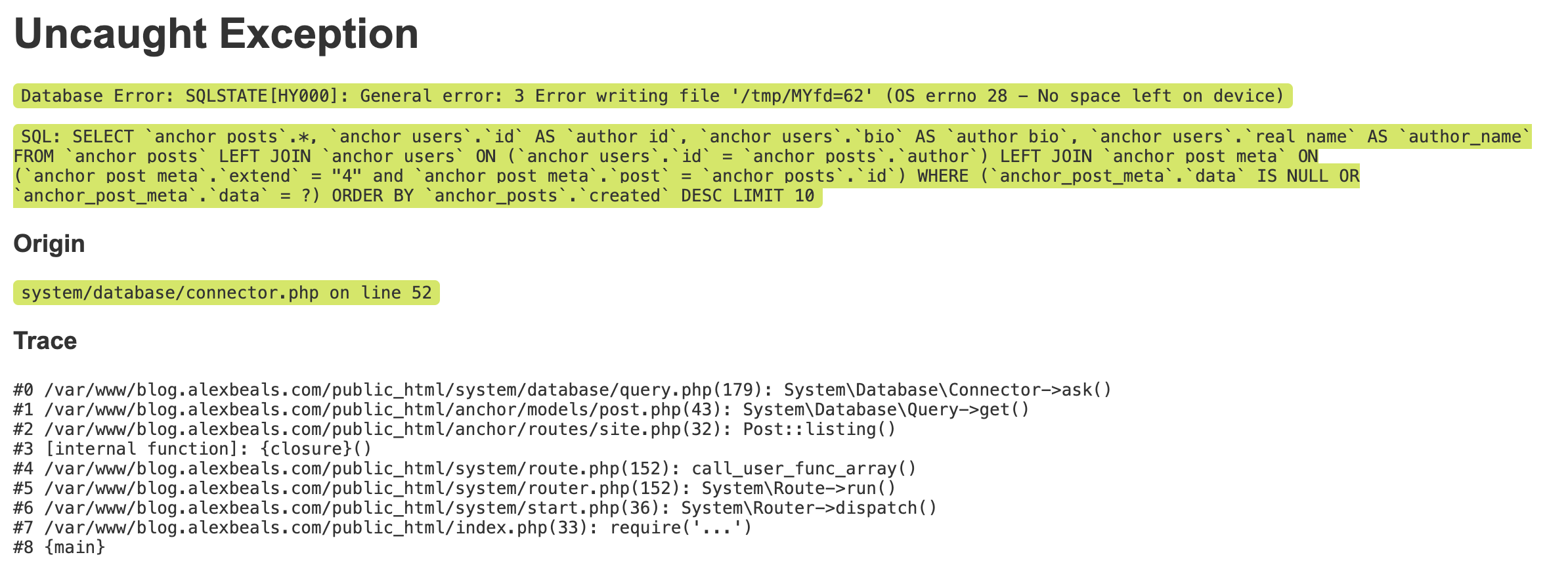
fallocate -l 10G /tmp/fillup.tmp which temporarily created a huge file that I could clean up with rm.
Identifying storage gluttons
df -h is the topline command which will list the partitions, their sizes, and how much is used. This is useful for a sanity check that the problem is storage and not something like running out of inodes (df -i). Here's what it looks like "healthy".
2
Not sure that 81% utilization is "healthy" but whatever.
$ df -h
Filesystem      Size  Used Avail Use% Mounted on
tmpfs            96M  1.1M   95M   2% /run
/dev/xvda        18G   14G  3.3G  81% /
tmpfs           479M     0  479M   0% /dev/shm
tmpfs           5.0M     0  5.0M   0% /run/lock
tmpfs            96M   16K   96M   1% /run/user/1000
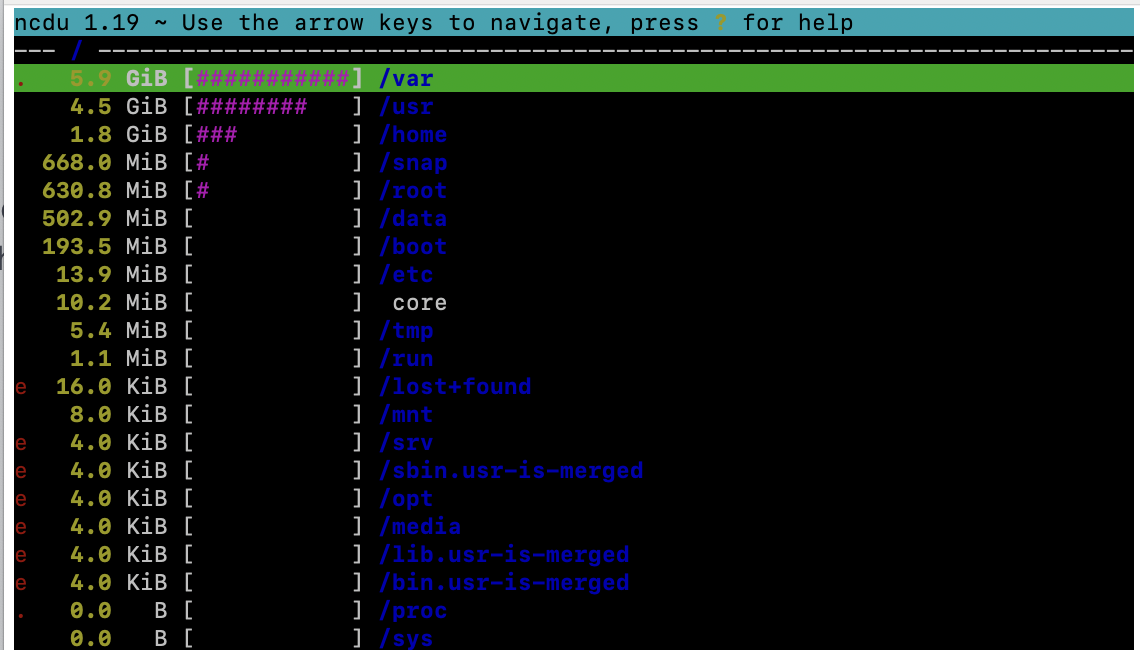
The main star of the show though is ncdu. Running this as root in / will give a full breakdown of all files in an interactive screen where you can dive into any subfolder.
What you should run will depend on what is taking up space, but here's what I've found useful in the past (note that I'm running all of these as root, otherwise prefix with sudo).
One off commands
# I don't use virtual machines (can check `lxc list` to see if you do)
snap remove lxd
# Cap system journal logs at 100M
journalctl --vacuum-size=100M
Repeated commands
# === Delete caches ===
# Used for VSCode remote extension, rebuilt on connection
rm -rf /home/ubuntu/.vscode-server
# Clear NPM cache
rm -rf /home/ubuntu/.npm/_cacache
npm cache verify
# Remove unused snap installs
snap list --all | awk '/disabled/{print $1, $3}' | while read snapname revision; do sudo snap remove "$snapname" --revision="$revision"; done
# Delete snap cache
rm -rf /var/lib/snapd/cache/*
# Clean up unreachable objects in a Git repo
git prune --expire=now
git gc --aggressive --prune=now

# === Delete logs ===
# Delete all PM2 logs (fine if everything is healthy)
rm -rf /root/.pm2/logs

# === Clean up old lists ===
apt update
apt upgrade
apt autoremove