How to dump iOS app's source code
Reverse engineering apps is made a lot easier with the source code, but apps distributed through the App store are encrypted with FairPlay encryption, making decompilation much harder. Our salvation lies in jailbreaking, because in order to run the app the unencrypted version has to be loaded into memory. We can add in code to take that unencrypted version in memory and download it. Adding https://alias20.gitlab.io/apt/ as a source in Sileo allows us to install a rootless
1
This blog post describes installing Dopamine and Sileo, but your mileage may vary depending on your device.
version of bfdecrypt which does just that. Once it's installed go to
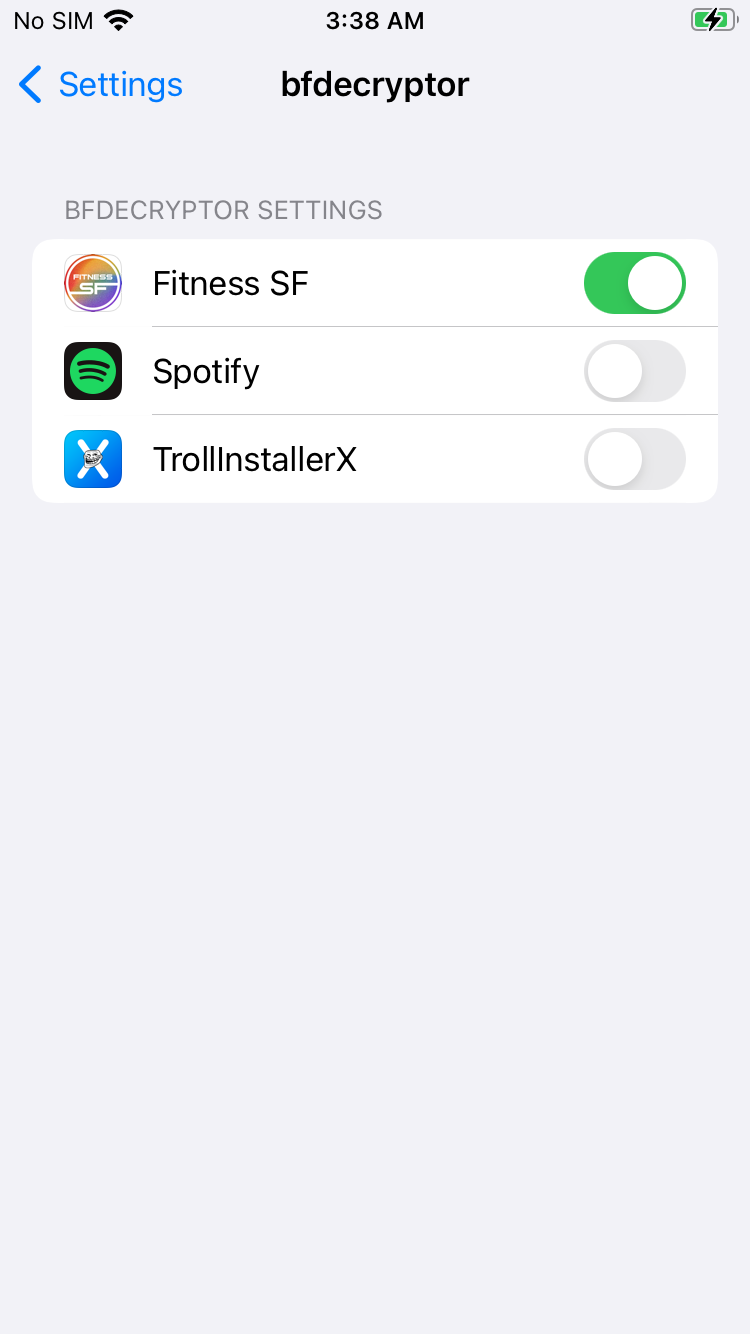
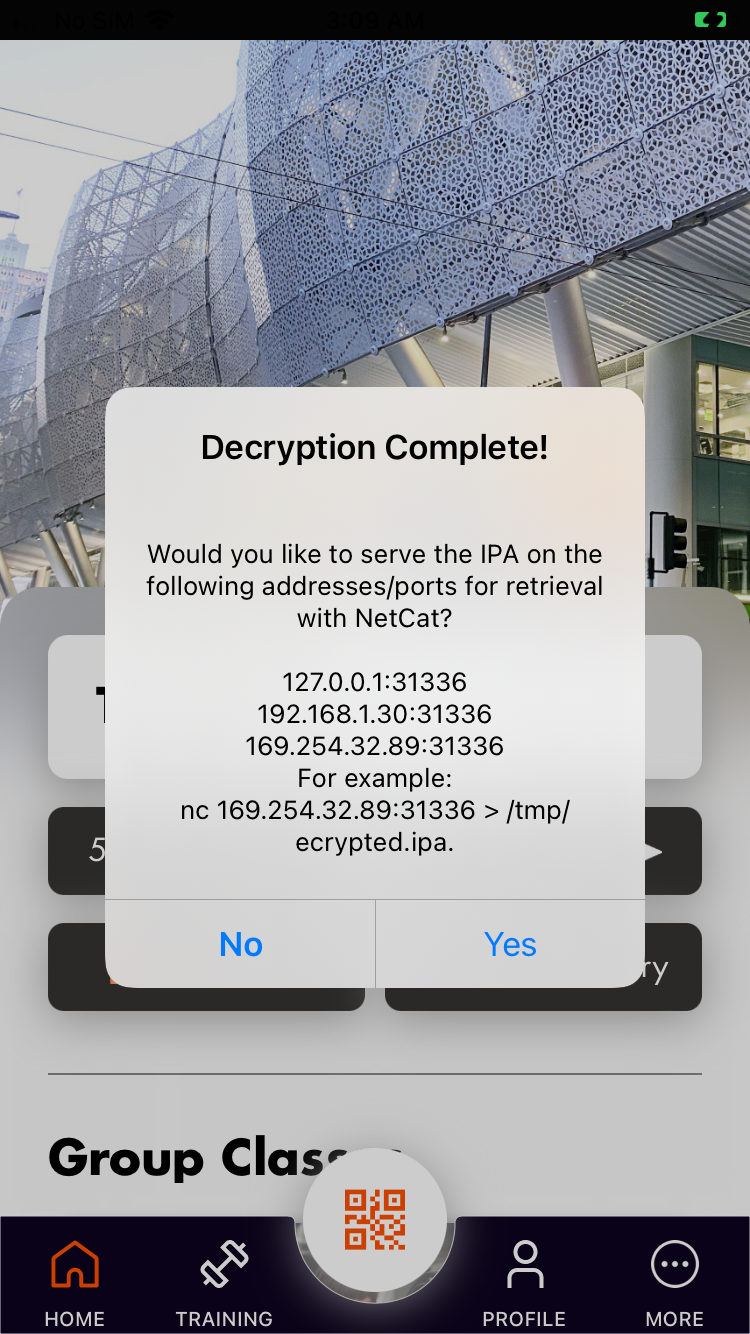
It automatically saves the ipa in /private/var/mobile/Containers/Data/Application as decrypted-app.ipa. We can run this command to list all downloaded bundles, after ssh mobile@192.168.0.247.
3
I hardcoded my jailbroken device IP, you will need to adapt this.
find /private/var/mobile/Containers/Data/Application -name decrypted-app.ipa -type f | while read f; do \
  dir=$(dirname "$f"); \
  plist="$dir/../.com.apple.mobile_container_manager.metadata.plist"; \
  bundle=$(grep -ao 'com\.[a-zA-Z0-9._]*' "$plist" 2>/dev/null | head -1); \
  [ -n "$bundle" ] && echo "$bundle: $f"; \
done
Sample output, let's try downloading Fitness SF as 9F262F33-1140-4FCB-B76E-6DB1594D2E8F:
com.fitnesssf.ios: ./9F262F33-1140-4FCB-B76E-6DB1594D2E8F/Documents/decrypted-app.ipa
com.motivateco.gobike: ./E9B21C12-C082-4315-B630-271290AC2902/Documents/decrypted-app.ipa
com.niceviewer.nview: ./CD61972E-8C82-4F94-99D9-4C701C6638D9/Documents/decrypted-app.ipa
We can copy it locally with scp mobile@192.168.0.247:/private/var/mobile/Containers/Data/Application/9F262F33-1140-4FCB-B76E-6DB1594D2E8F/Documents/decrypted-app.ipa, rename to app.zip, and extract to examine the internal files.
Crash on launch
Some apps are outdated, and the version that the App Store will let you install will crash on launch. There are a couple of ways to approach this. One is to just try to find a cracked version that's already uploaded online (I've used https://decrypt.day/). Another is to potentially use flexdecrypt (GitHub) or KernBypass, though I haven't tried either. If I do, I'll update this post with details.
-
This blog post describes installing Dopamine and Sileo, but your mileage may vary depending on your device. ↩︎
-
As far as I can tell this is broken. If I chose "Yes" it would just crash the app. ↩︎
-
I hardcoded my jailbroken device IP, you will need to adapt this. ↩︎