Removing your location from Mailchimp emails
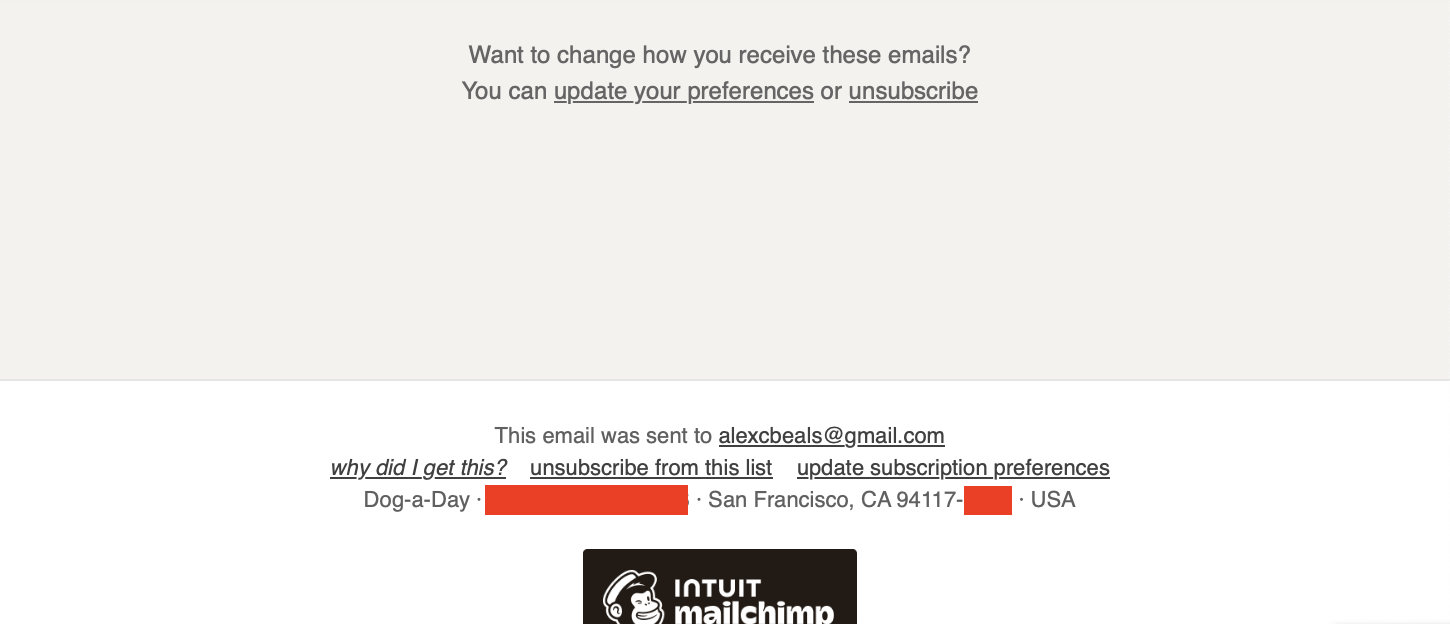
I recently brought back Dog-a-Day which required creating a new Mailchimp account. Your physical address is automatically added to the footer with the *|HTML:LIST_ADDRESS_HTML|* template which is required for compliance with the CAN-SPAM act. For my use case there's no commercial solicitation and it's all opt-in for friends and family, so I feel reasonably confident that no one will sue me for not including my home address. However, deleting the entire autogenerated footer instead has Mailchimp add a full one back at the end:
1
Red blocks because 1.2 square miles from the zip code is as tight as I want to go, rather than a ZIP+4 telling you my exact address (though I'm pretty sure addresses are all public information).
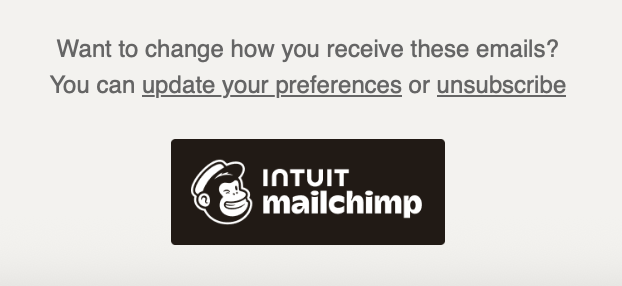
It turns out this is because the free tier requires the rewards piece at the bottom, and if it's missing then Mailchimp goes scorched earth mode with a full footer. As long as *|IF:REWARDS|* *|HTML:REWARDS|* *|END:IF|* is in your template, you can safely delete the ADDRESS template.
-
Red blocks because 1.2 square miles from the zip code is as tight as I want to go, rather than a ZIP+4 telling you my exact address (though I'm pretty sure addresses are all public information). ↩︎