Fixing UnitedWifi.com not working on my Mac laptop
Nothing's more of a first world problem than WiFi not working on your flight. Hell, it can even be a bit of a boon if you use your productivity right. But you're annoyed, you're stuck in a tin can miraculous invention,
1
I'm flying direct from San Francisco to Rome, and it'd be unimaginable even 60 years ago.
you've already come to grips with the fact that Starlink
2
Starlink: not only providing WiFi on airplanes, but also providing over half of the revenue for a $2T company that claims a $22.7T addressable market for AI enterprise applications. Just focus on that future revenue, all good.
wasn't turned on for your flight yet, and yet instead of https://unitedwifi.com loading the internet screen you're seeing "Your connection is not private" and NET::ERR_CERT_COMMON_NAME_INVALID:
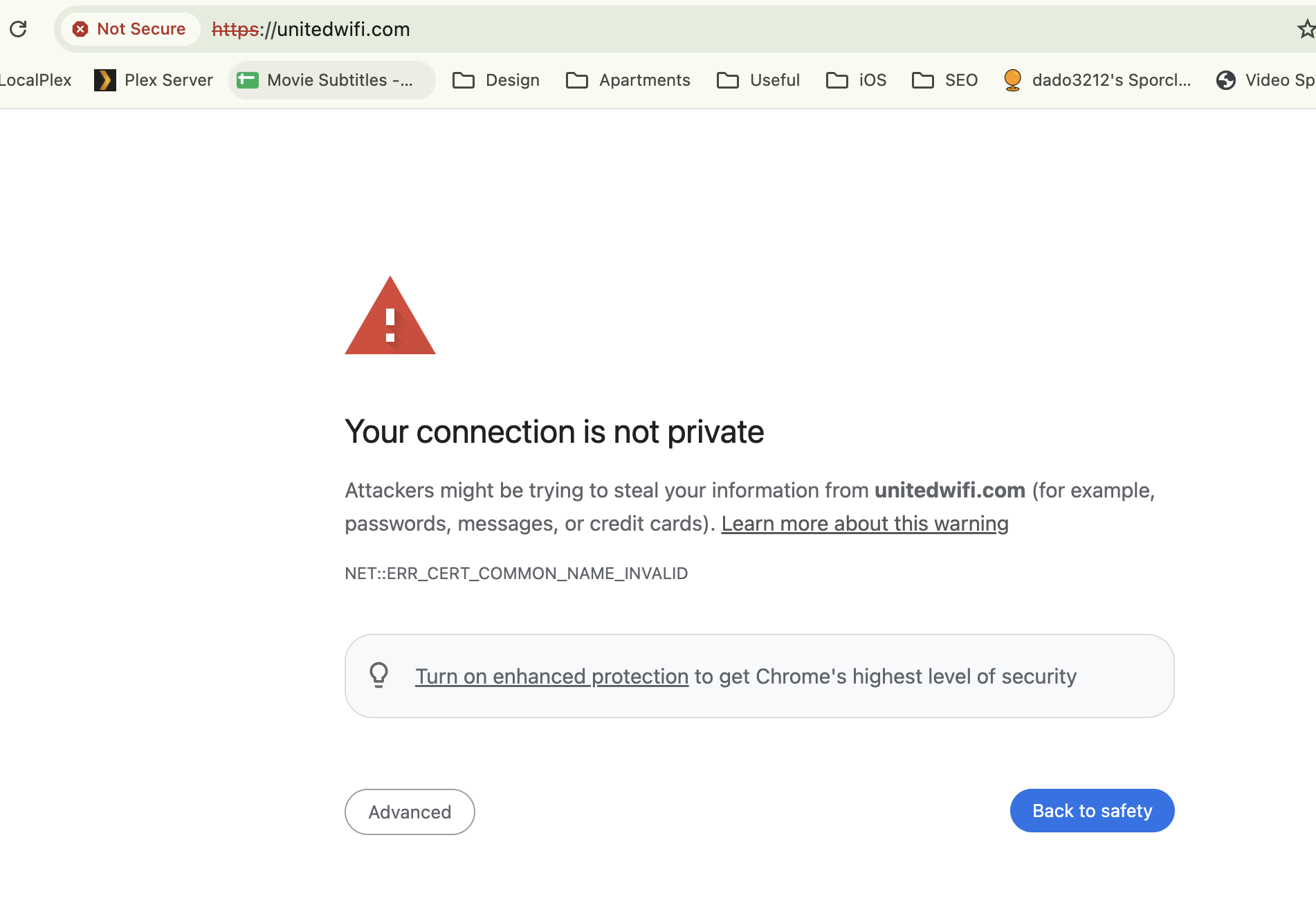
If you manage to click past the scary warning in Chrome (and the inflightpanasonic.aero certificate details that are triggering it) you're greeted by a useful "Oops.. Something went wrong. Please try again." error message that can't even be bothered to include the third ellipsis dot.

But you're reading this post that I wrote while still in the air 3 It's been a while since I've done this! I think the Boingo one and my notes for the Sudoku python solver (and the solver itself) were airplane creations. — so how did I fix it?
What didn't work
There's a lot of things that didn't work. I'm including them here for completeness sake for when I need this again.
- Forget the network, and reconnect to it.
- Try using Safari or Firefox instead of Chrome.
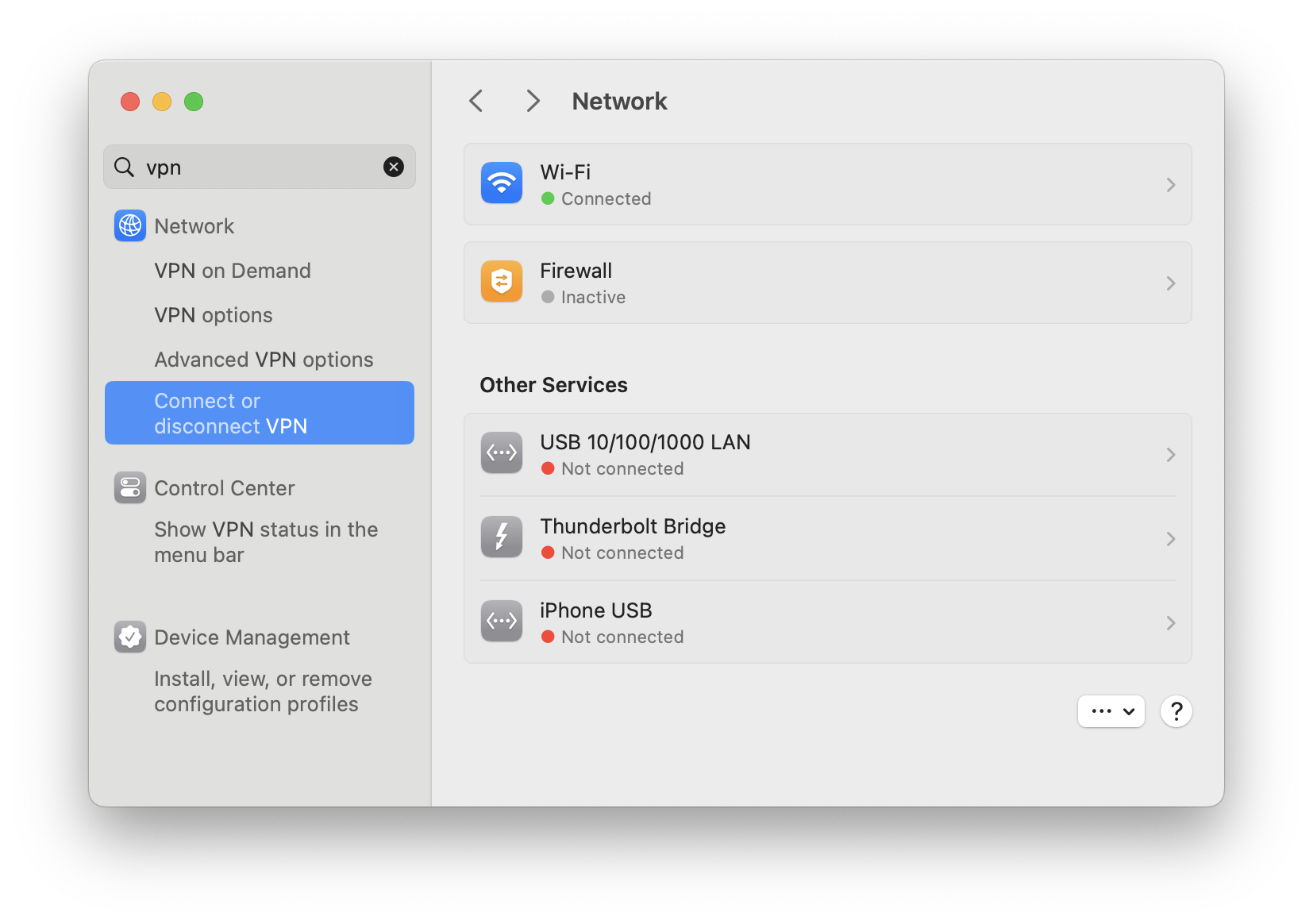
- Disconnect your VPN (search "VPN" in System Settings — if clicking "Connect or disconnect VPN" doesn't bring anything up, you're good):
- Turn off Private Relay in your iCloud settings.
- Remove the custom DNS settings for the WiFi network.
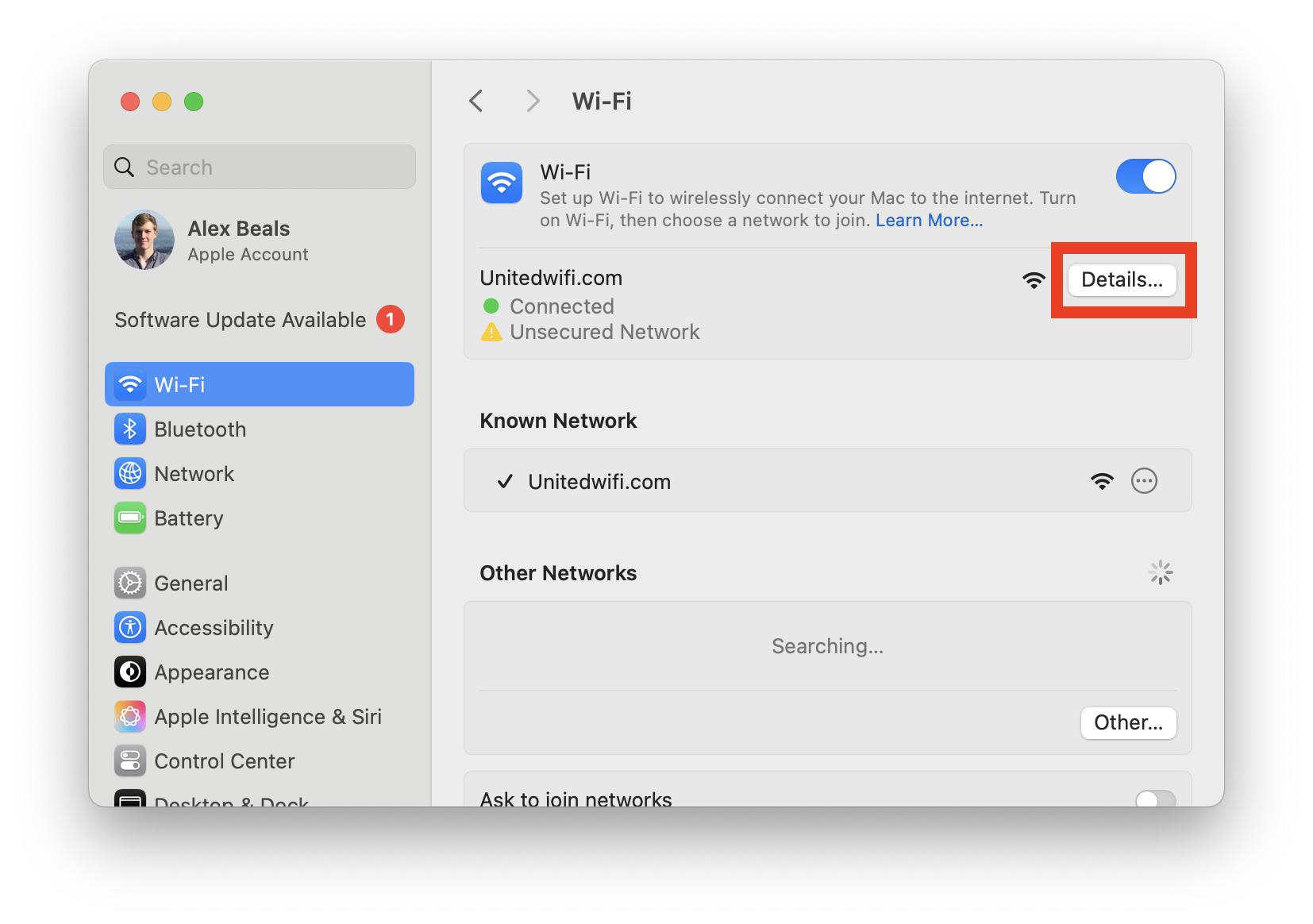
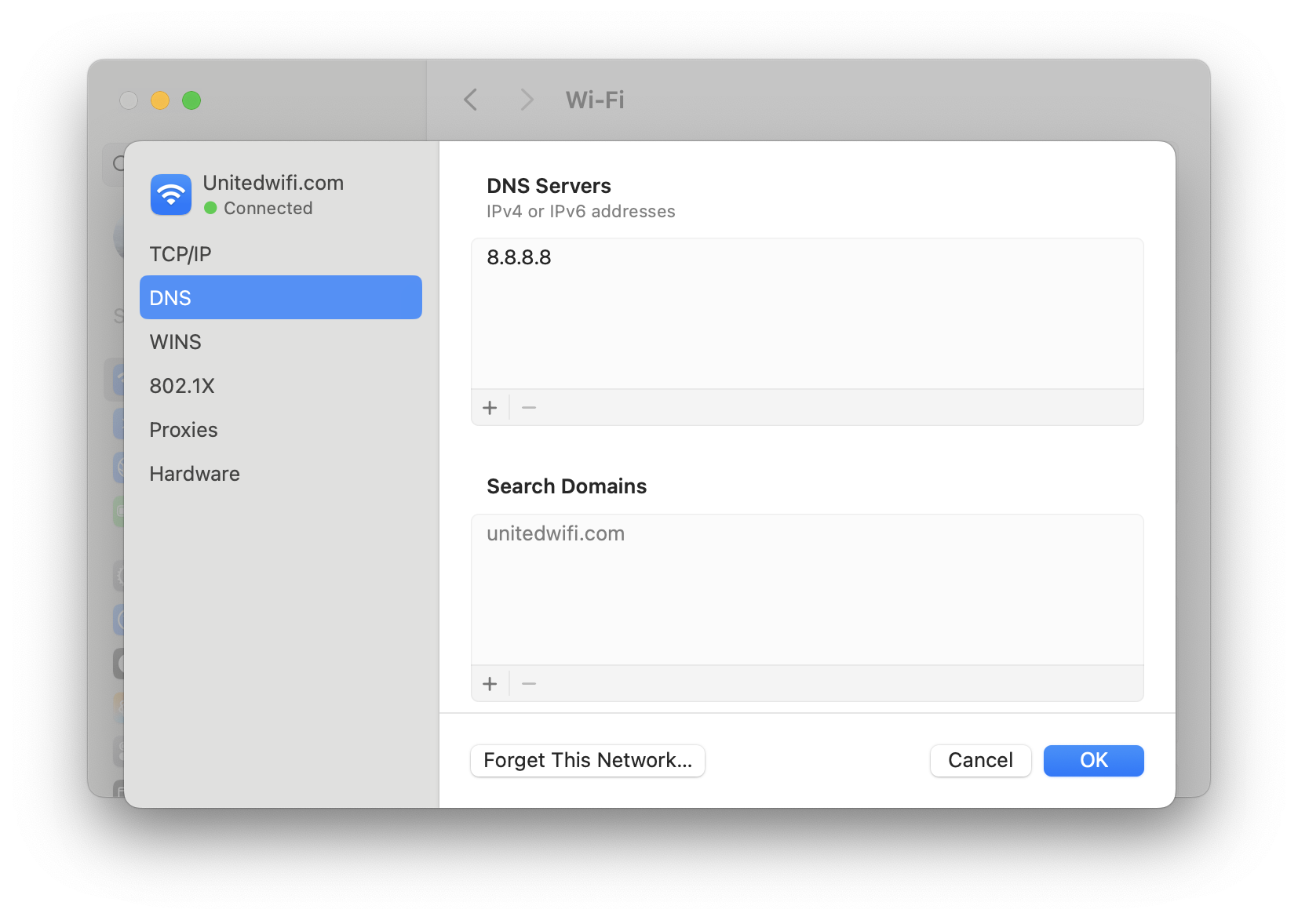
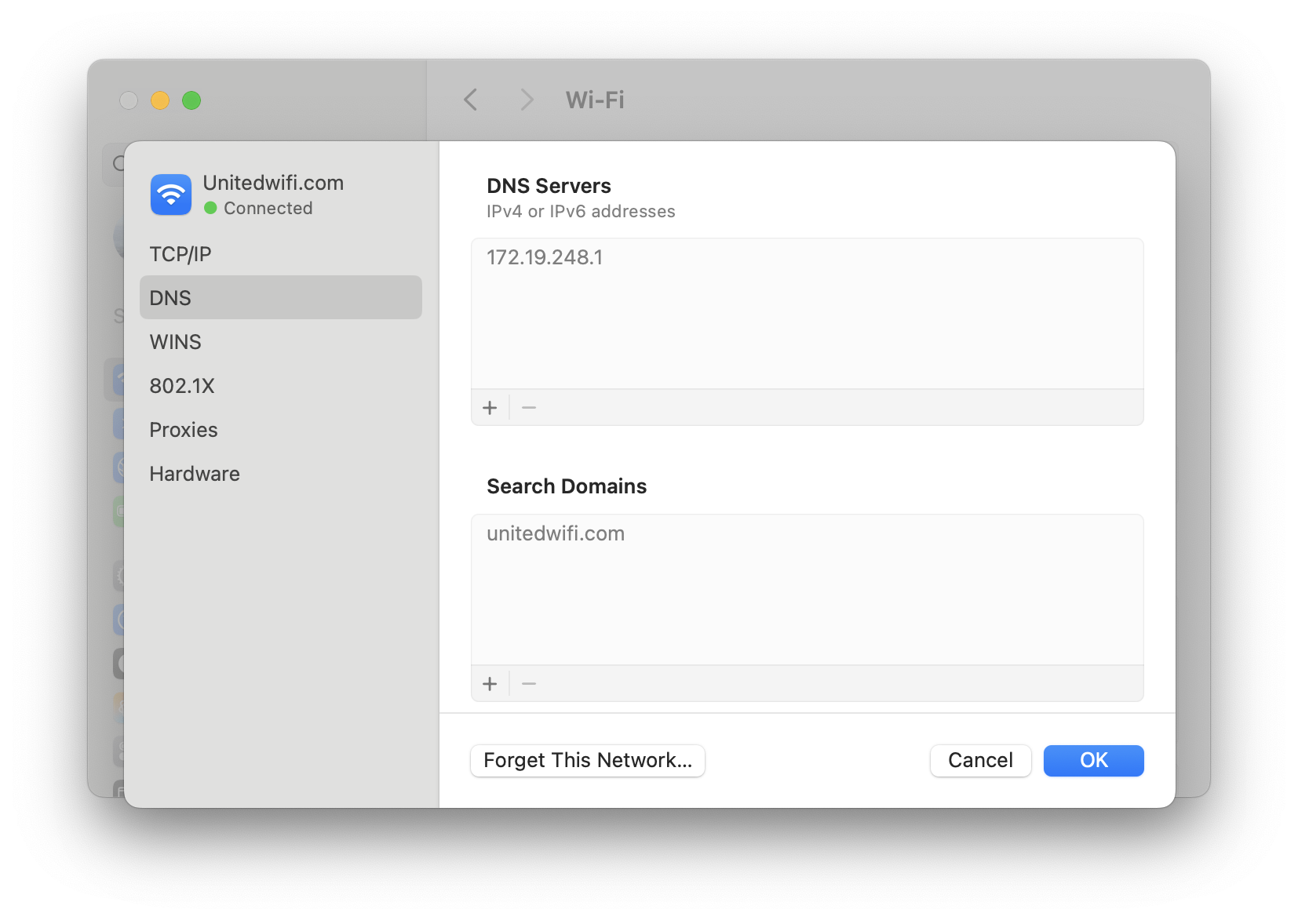 Click "Details" If there's anything here (like 8.8.8.8 or 1.1.1.1) select it and delete it using the minus button. It should look like this when you're done.
 - Use Incognito mode.
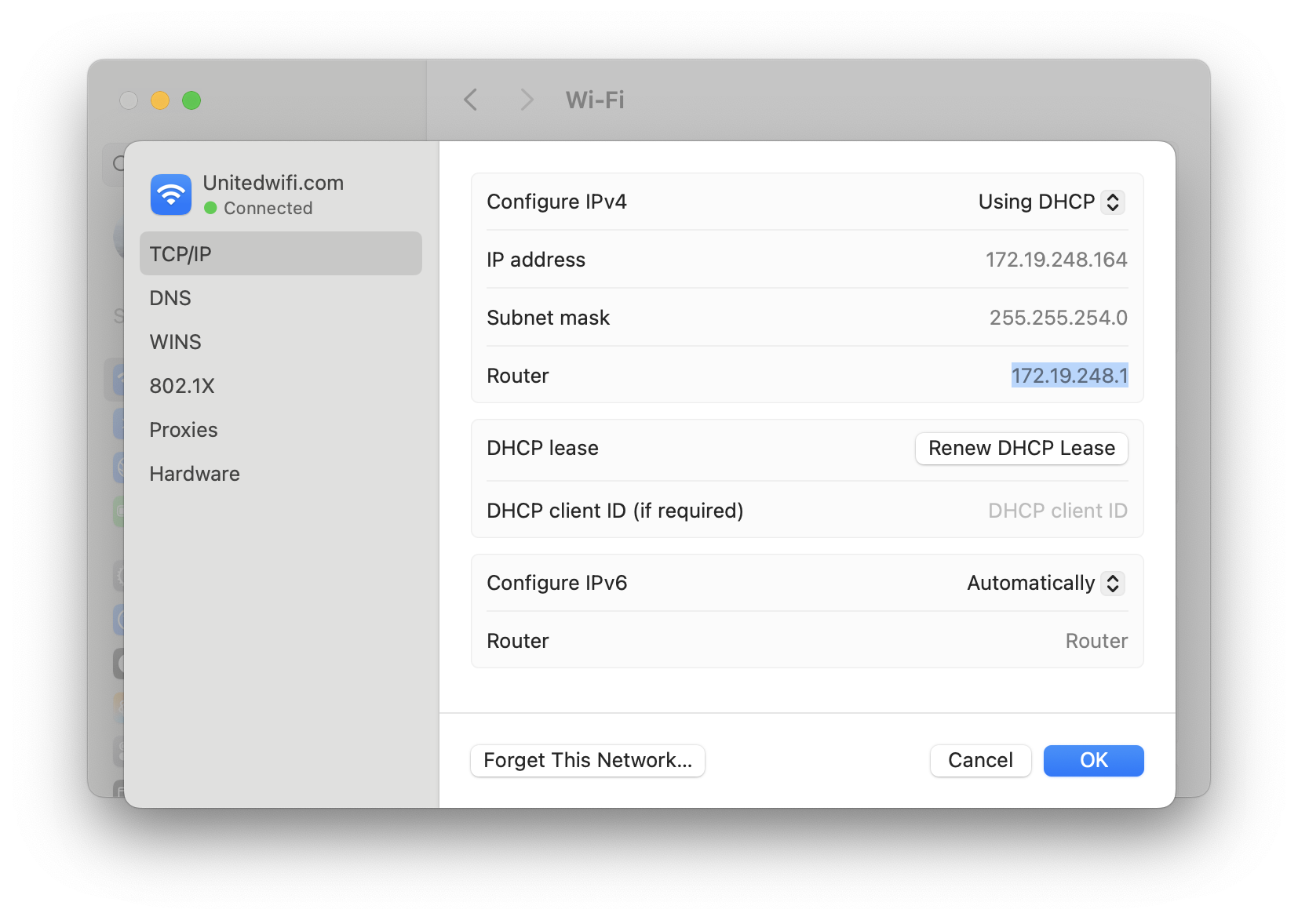
- Use an alternate link to load the website:
What did work
A combination of the above! Specifically going to 198.6.1.2 in Safari instead of Chrome loaded the screen. I'm pretty sure that any HTTP IP address in Safari would do it, but like all airplane WiFi bugs, they're impossible to reproduce.
4
Mostly impossible in the sense that once it's fixed you'd have to pay me to break it again.
Hopefully this helps me in the future, and if it helps you, random fictional future reader,
5
 then all the better.
-
I'm flying direct from San Francisco to Rome, and it'd be unimaginable even 60 years ago. ↩︎
-
Starlink: not only providing WiFi on airplanes, but also providing over half of the revenue for a $2T company that claims a $22.7T addressable market for AI enterprise applications. Just focus on that future revenue, all good. ↩︎
-
It's been a while since I've done this! I think the Boingo one and my notes for the Sudoku python solver (and the solver itself) were airplane creations. ↩︎
-
Mostly impossible in the sense that once it's fixed you'd have to pay me to break it again. ↩︎