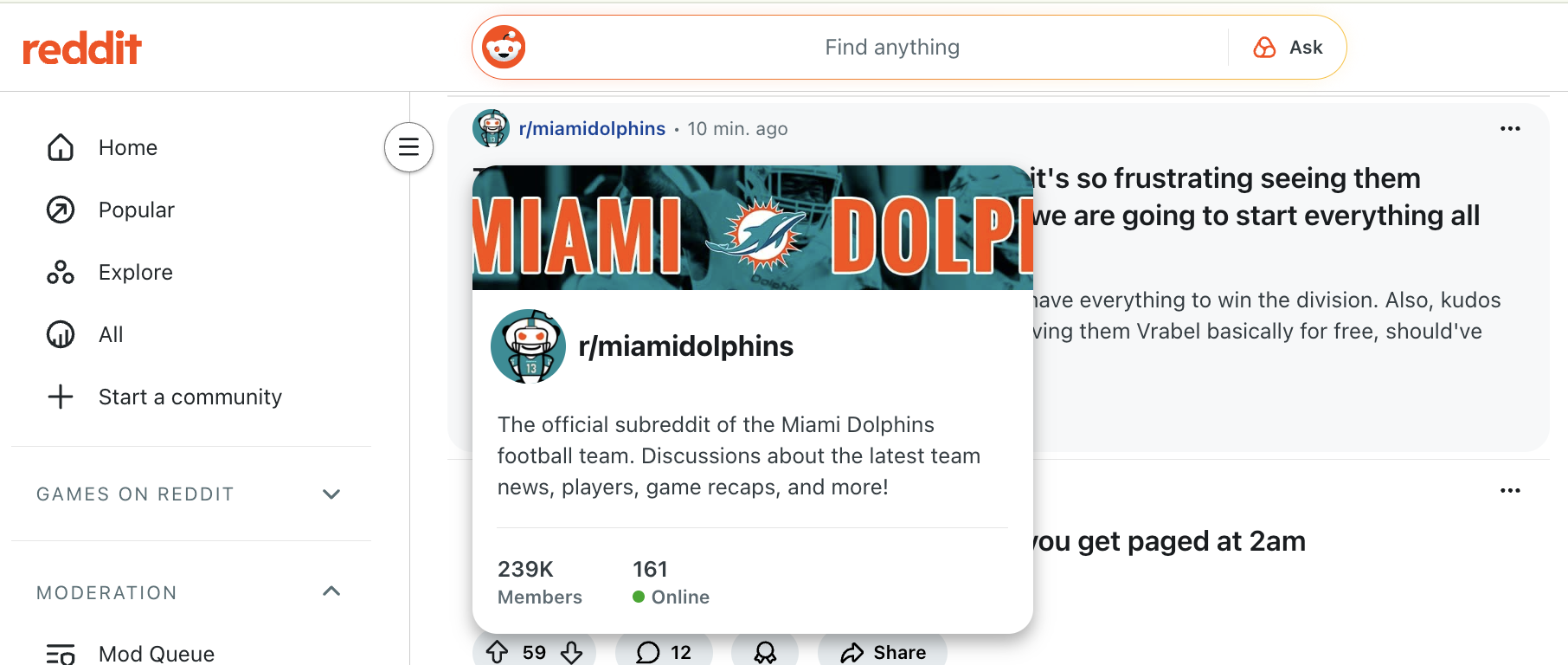
Sometimes you want to inspect the content or rendering of a hover element on a website. Unfortunately when you try to select it or right-click > Inspect it disappears. What's the workaround if I want to know the size of the Online circle for the Miami Dolphins1It'd be great to win a playoff game this millennium. subreddit!
If you're in Chrome you can do this by first opening DevTools (with ⌘ Cmd + ⌥ Option + I or with right-click > Inspect). Then you need to change to the Sources tab.2Why doesn't this work on the Elements tab? No idea, but I've gotten stuck because of it enough times that I needed to make this post. From here, hover over the element to trigger whatever UI you want to inspect and press F8F8 (this isn’t a typo, you have to hit it twice). The first press focuses the DevTools window, and the second stops execution, effectively invoking debugger;. From here you can swap to the Elements tab and happily inspect the hovered element because mouse movement and all other rendering changes are frozen.
It'd be great to win a playoff game this millennium. ↩︎
Why doesn't this work on the Elements tab? No idea, but I've gotten stuck because of it enough times that I needed to make this post. ↩︎