Showing keyboard strokes on macOS
The mouse click recording feature in macOS video recording is really helpful for showing what you're doing (and something that I've used for videos for this blog previously, such in my writeup on how to set your screen time passcode without knowing it). But sometimes you also want to show keyboard presses, and there's no option in the stock screen recording to do this. 1 Though this feels like it'd be a more useful feature than Apple Genmoji.
Instead just follow this comment and enable the onscreen keyboard from Accessibility with
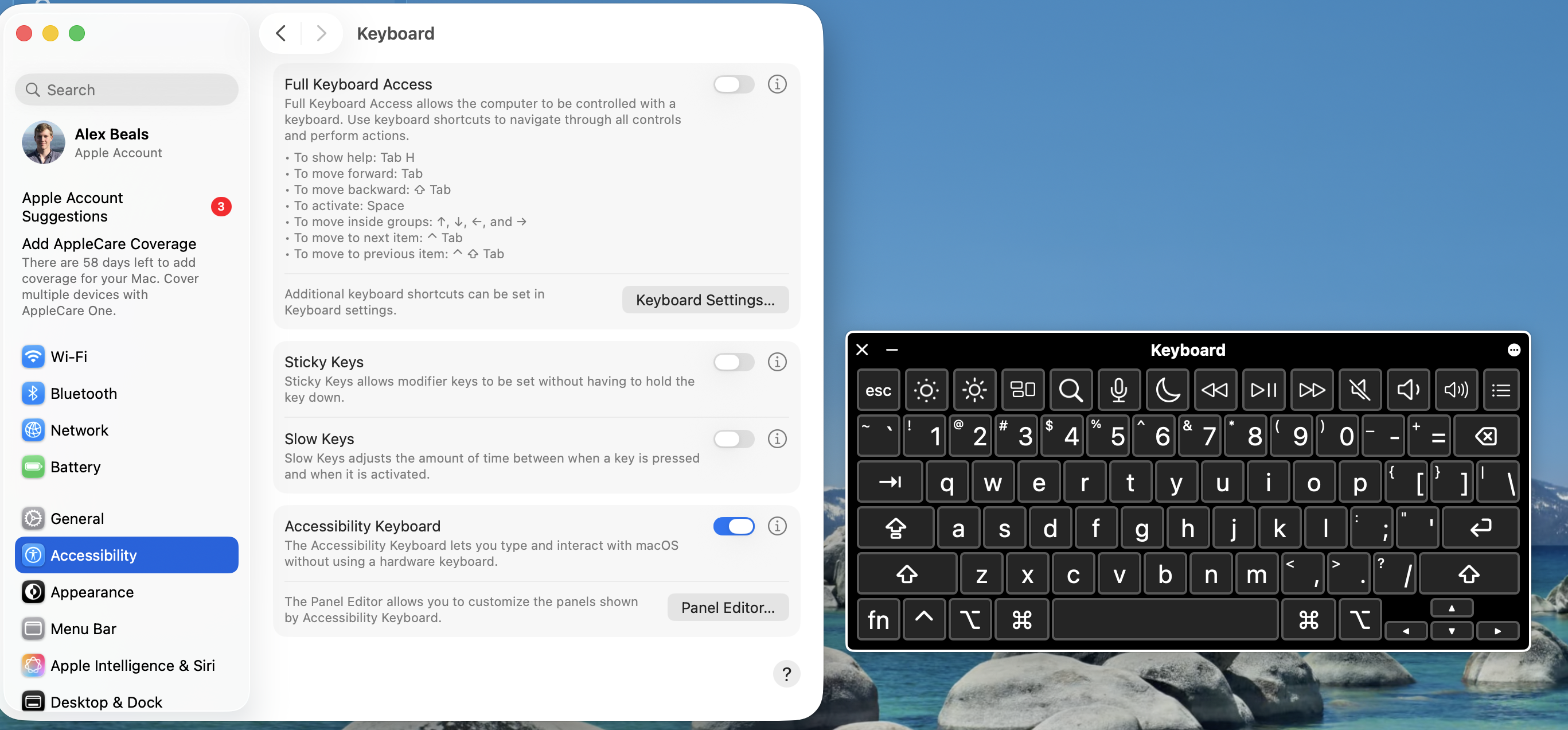
The resulting UI isn't as beautiful as the many paid offerings, but it did a great job showing the problem that I was resolving for work (multisecond latency on keyboard strokes).
-
Though this feels like it'd be a more useful feature than Apple Genmoji. ↩︎