Switch Sports Golf and automating my Denon AVR
I love Switch Sports Golf. If they added support for community maps it might be one of my favorite local co-op games of all time 1 Get @#$%ed, Mario Kart. —and you get Volleyball and Soccer and Tennis thrown in too! 2 Time will tell if I buy a Switch 2 solely for the sequel.
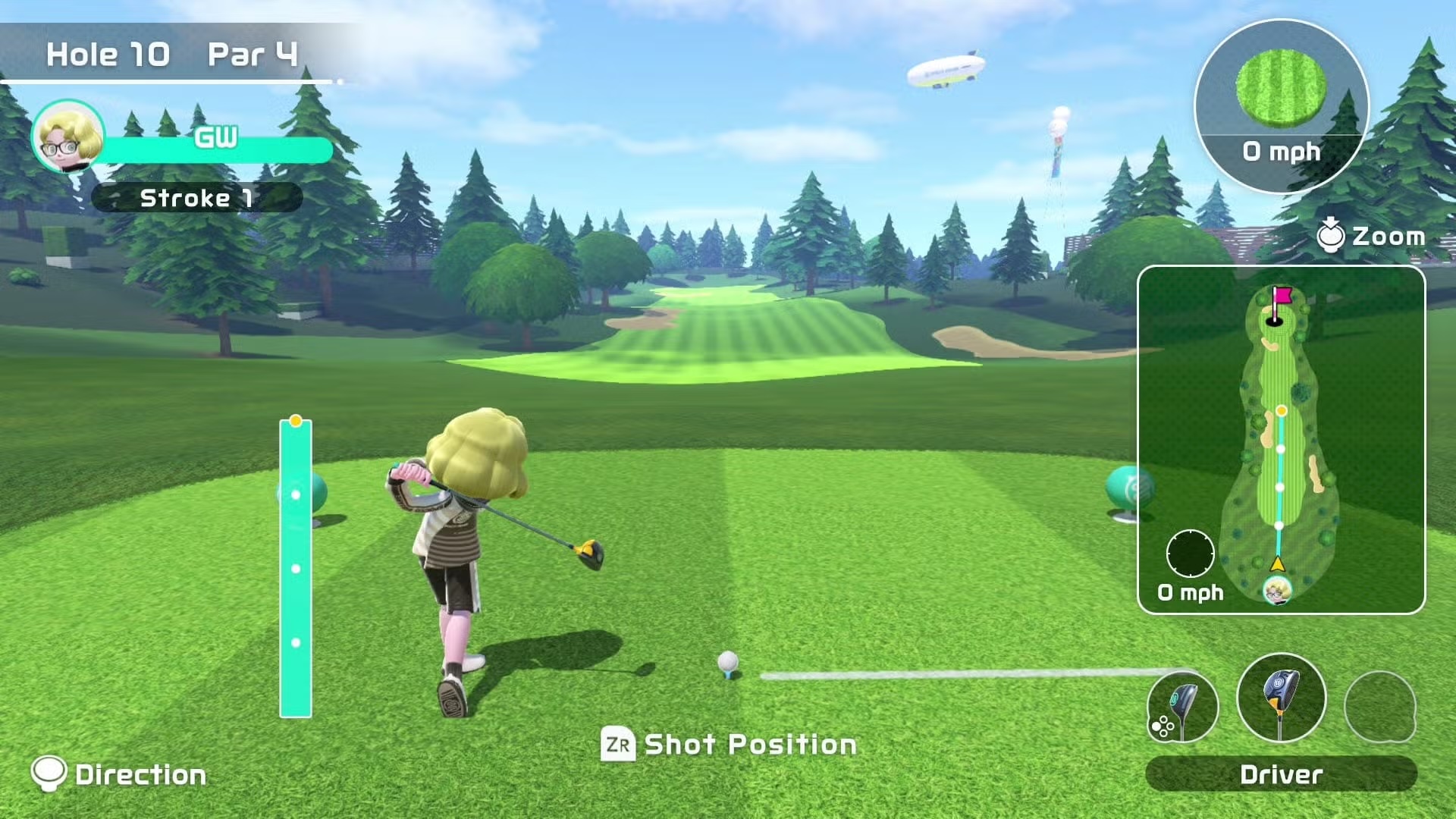
There's something about the mix of realism and stylization, with just enough complexity to provide depth while feeling casual—and okay, yes, the gambling-like nature of putting where a third of the putts go wildly differently from practice—that scratches such an itch for me. 3 Admittedly it creates the itch too. Damn good to scratch though. Damn good.
Music to my ears
I'm also a sucker for the sound design. I love the satisfying thwack of a full-power swing, the arc of the ball as it carves through the wind, but most of all the ambience: rustling leaves, the gurgle of a stream, chirping insects, the flag flapping in the breeze. Text descriptions can only go so far though, so build a soundscape and experience it for yourself as you read (or click here to use some defaults).
But man is mortal, and while I love the game's sound effects I also want to listen to music. What am I to do?
Enter my Denon AVR receiver
The Switch, like all my home audio, goes through a Denon AVR-X1700H 4 This regularly goes on sale, so don't pay more than $400, and you can get it substantially cheaper. as the primary receiver. My house has three pairs of ceiling speakers: one in the living room, one in the dining room, and one in the kitchen. 5 The previous owners seemingly never used the ceiling speakers: when I moved in I asked how they were wired and they said they had no idea and never turned them on. They lived there for years. Baffling. While the X1700H only has two zones, I really only use the speakers for TV/Switch/Xbox audio (just the living room) or general music (all three), so wiring the dining room and kitchen together into Zone 2 was enough.
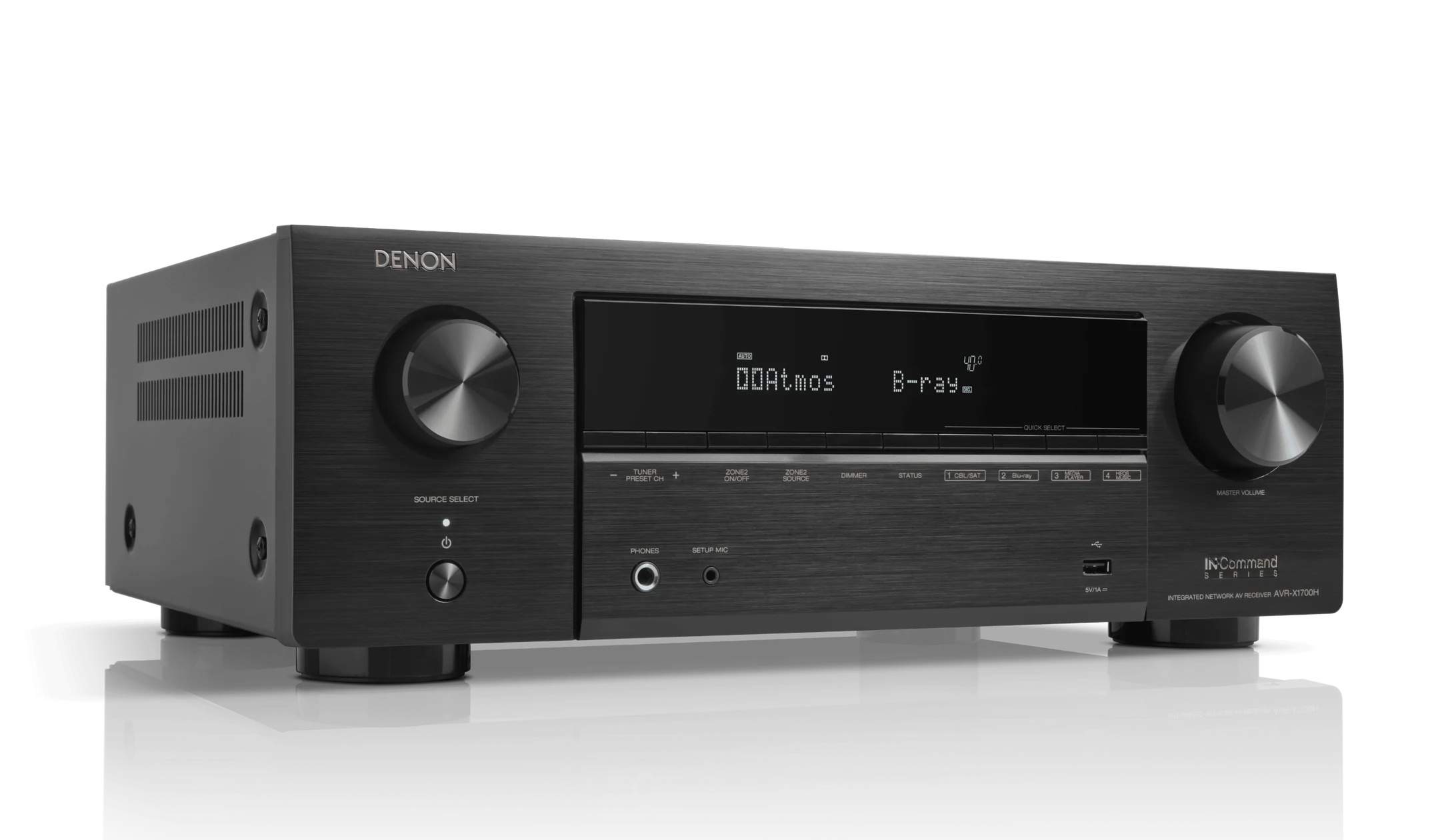
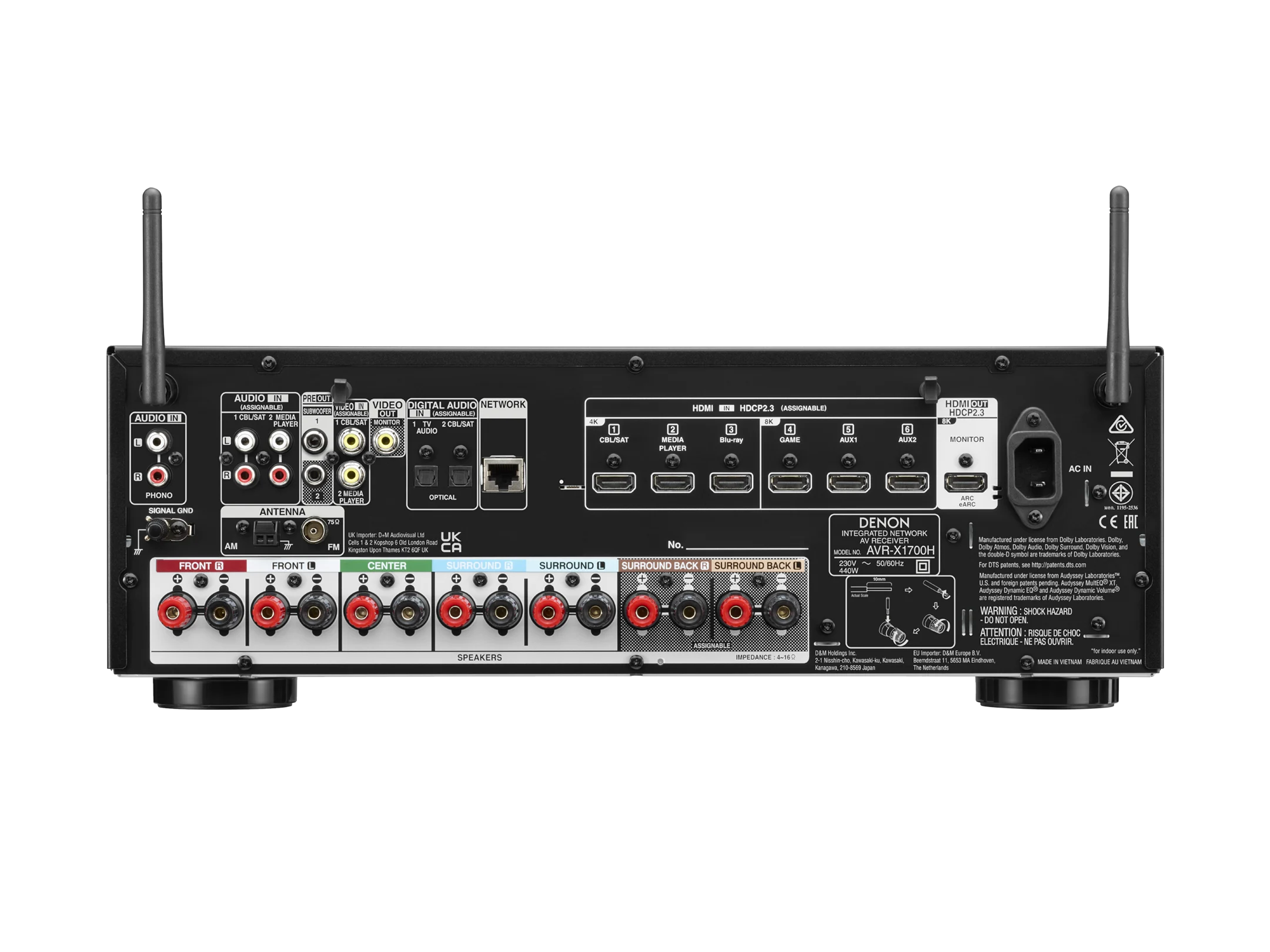
Zone 2 is a little restricted: I can't route HDMI output there without duplicating it from Zone 1. It does support Spotify, though, so I can have Switch audio in Zone 1 and Spotify audio in Zone 2—and because the kitchen and dining room are right next to the living room it's close enough to hear. Perfect! 6 Though transitioning Spotify from the living room feels a little like one of your headphones falling out.
I want to swap between this setup and having audio just in the living room (for movies) or duplicated music to both zones (for showtunes). The controls for this suck though, especially the "All Zone Stereo" setting required to duplicate music: as far as I can tell there's no way to turn that setting on from the physical receiver, either needing a convoluted series of steps on the remote or using the crappy Denon AVR app.
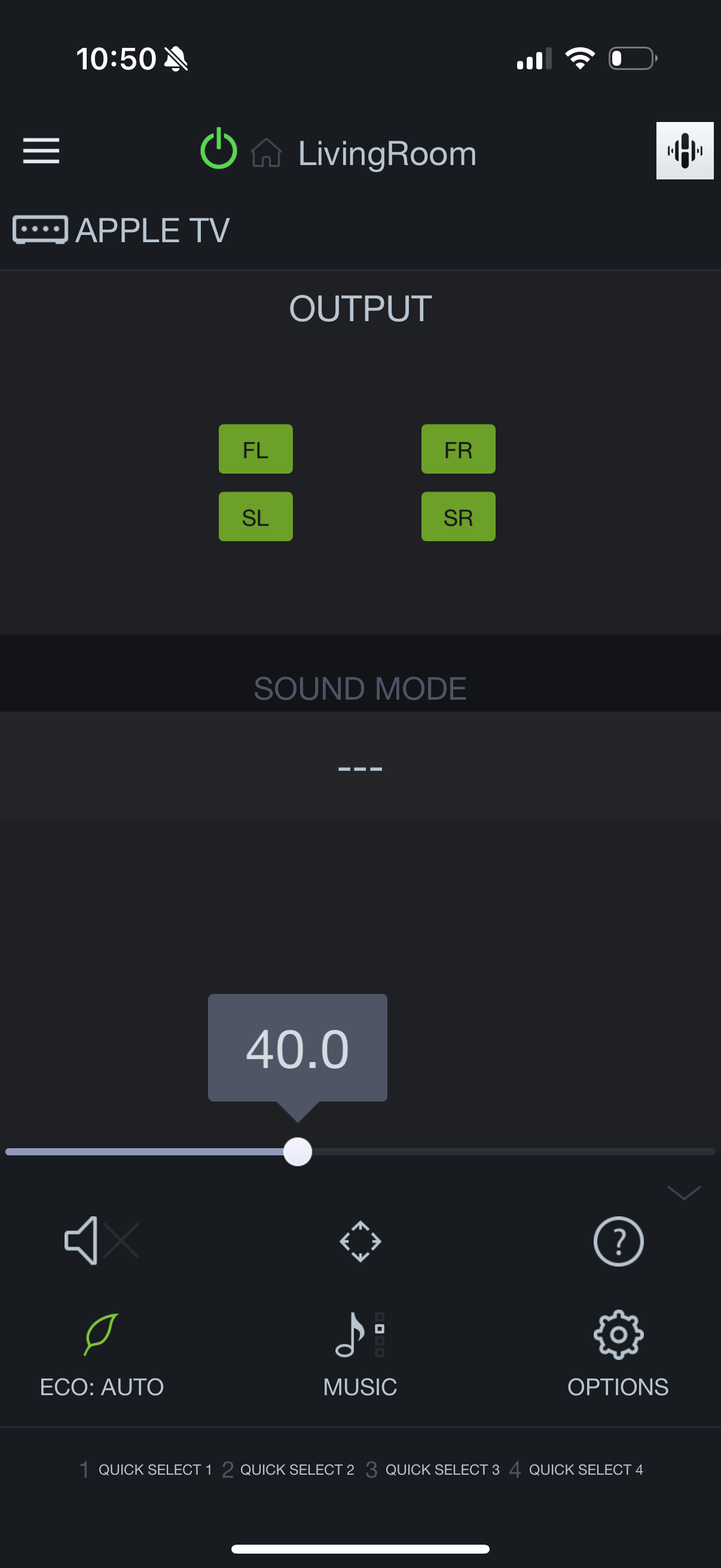
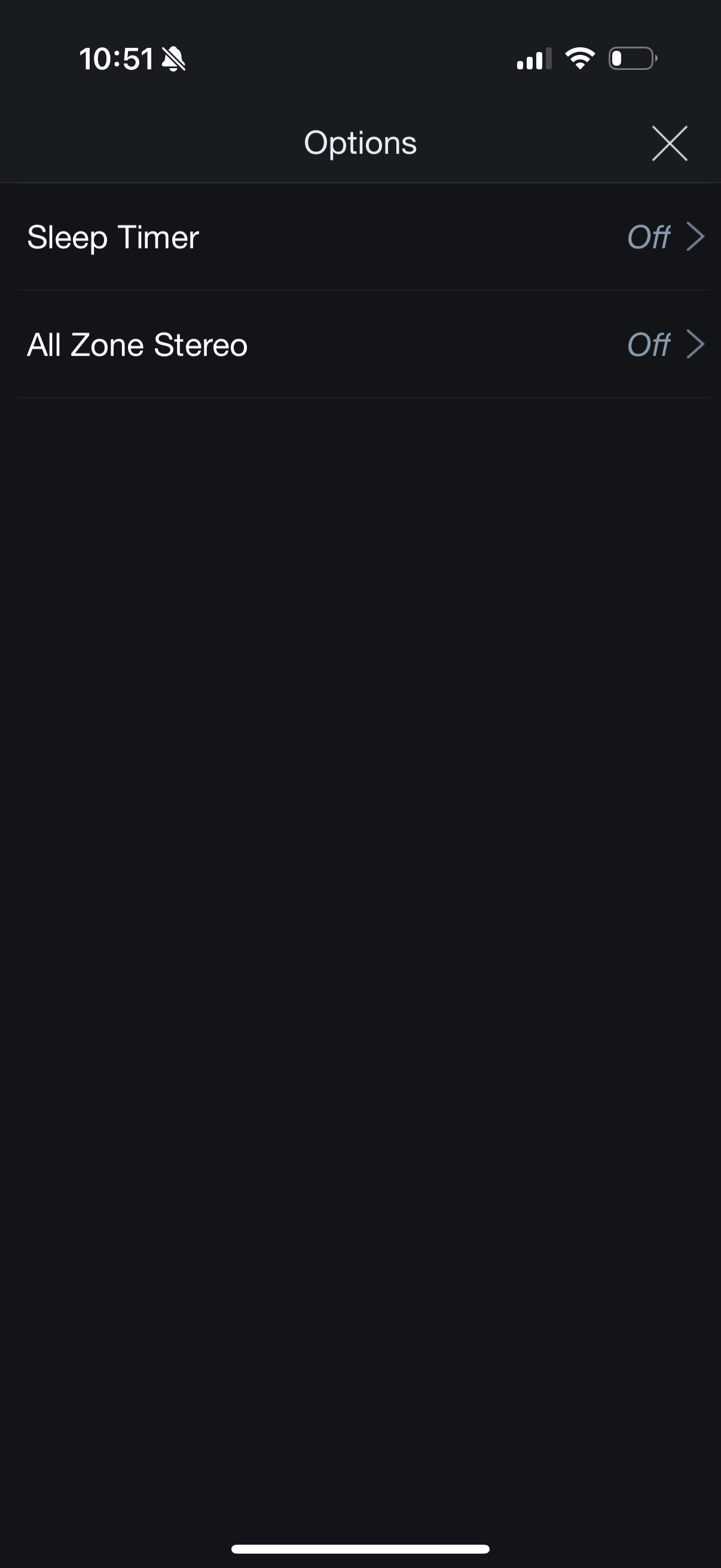
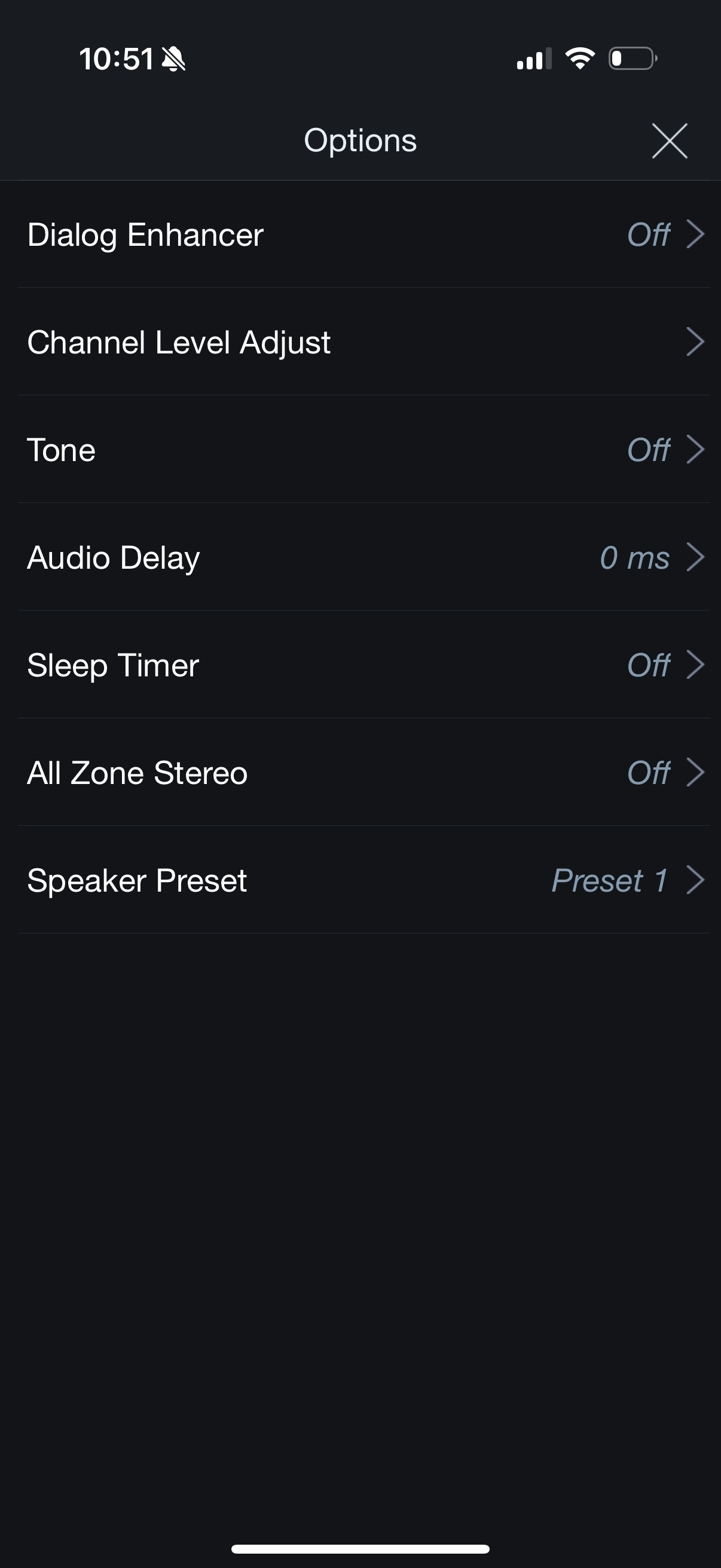
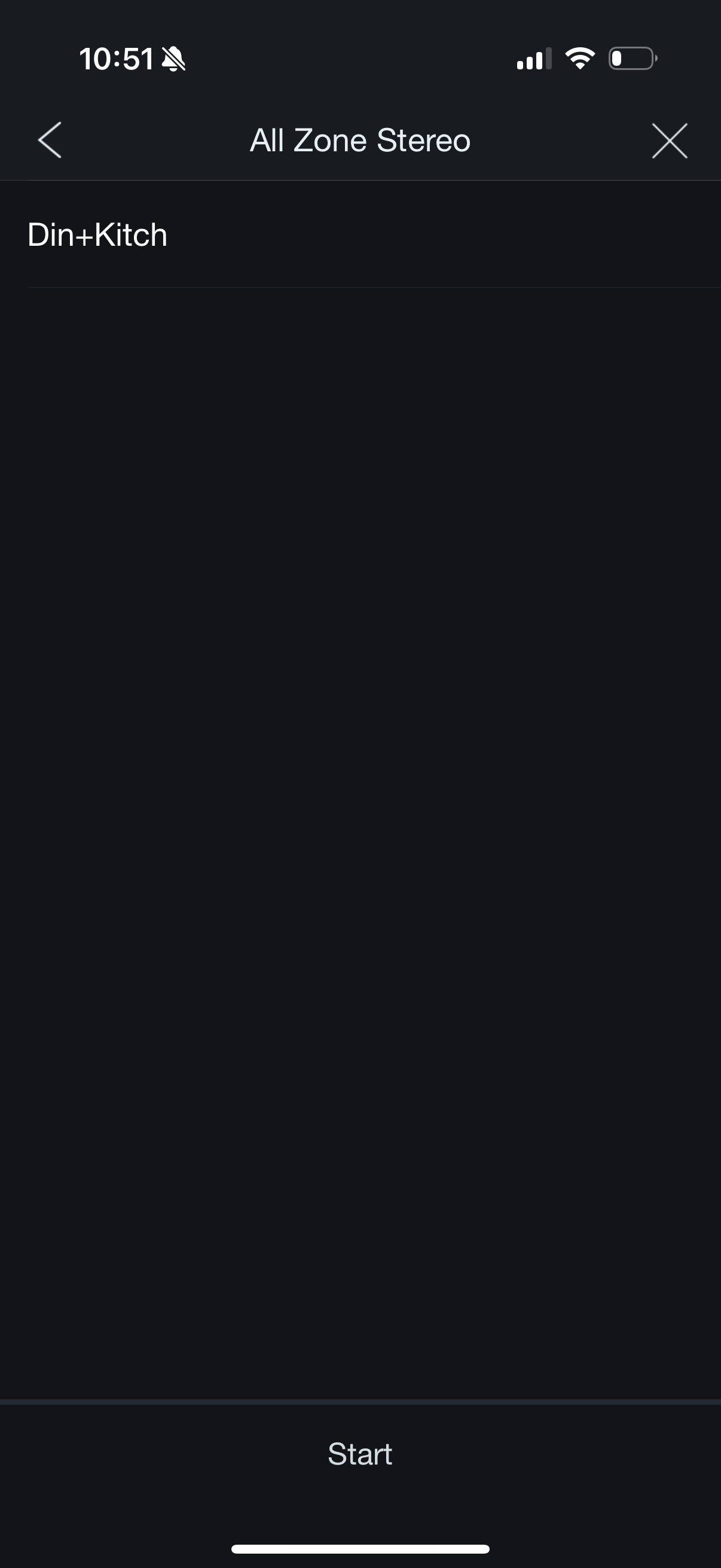
Let's bypass the app and automate it.
Becoming a middleman to remove the middleman
We can follow my previous guide for mitmproxy
8
One of these days I'll turn this into a Snippet so I can stop linking to the Letterboxd post.
to snoop on the requests that are being made by the app. Note that you'll have to connect to the proxy after the initial connection to the receiver is made, or it will hang (likely because it's phoning back to a Denon core server that actually has certificate pinning).
Once we're there we start seeing a flood of /goform/AppCommand.xml and /goform/AppCommand0300.xml on port 8080. Despite being GetAllZoneStereo and GetAllZoneSource being hit once a second to keep the UI updated.
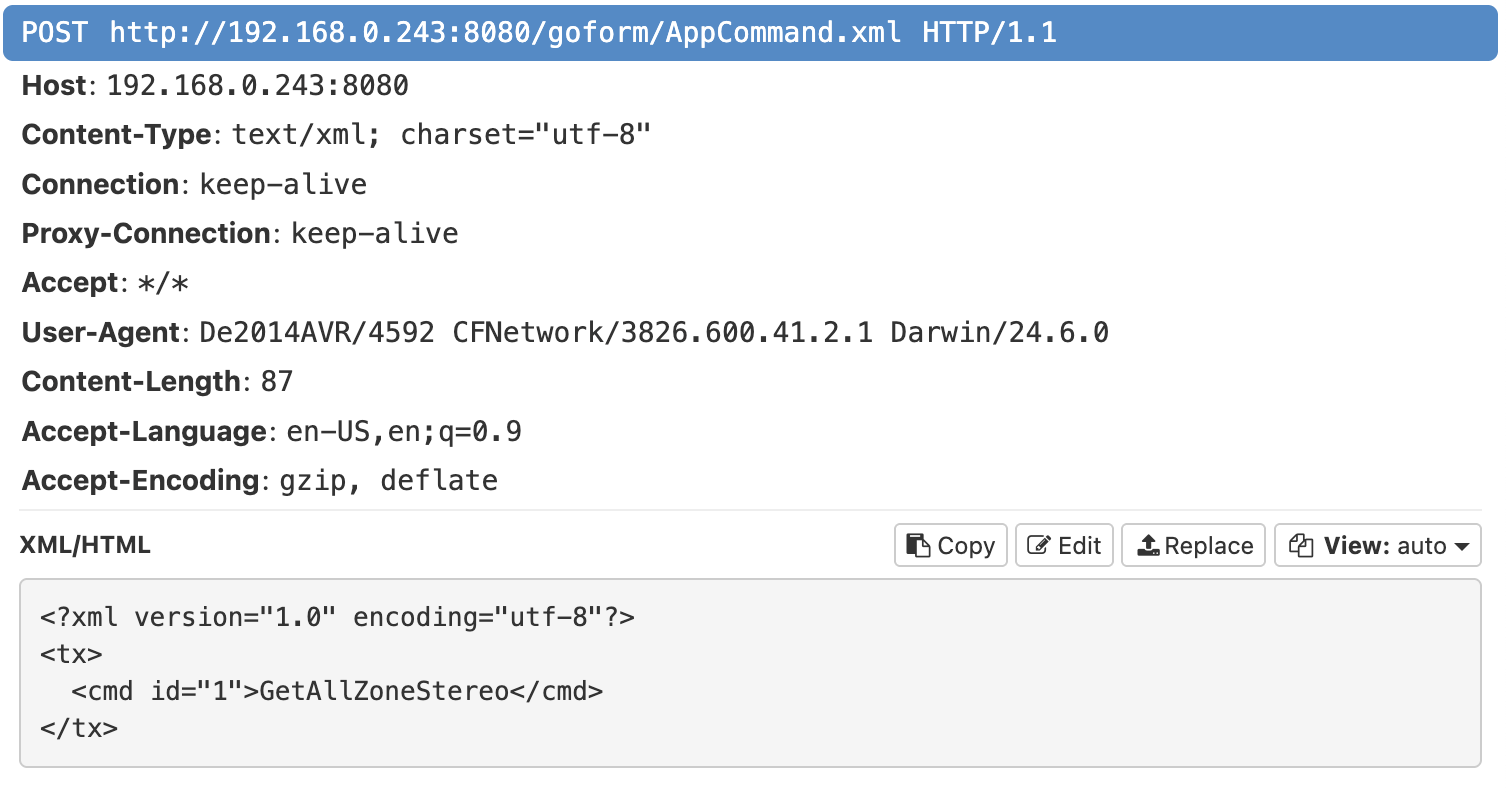
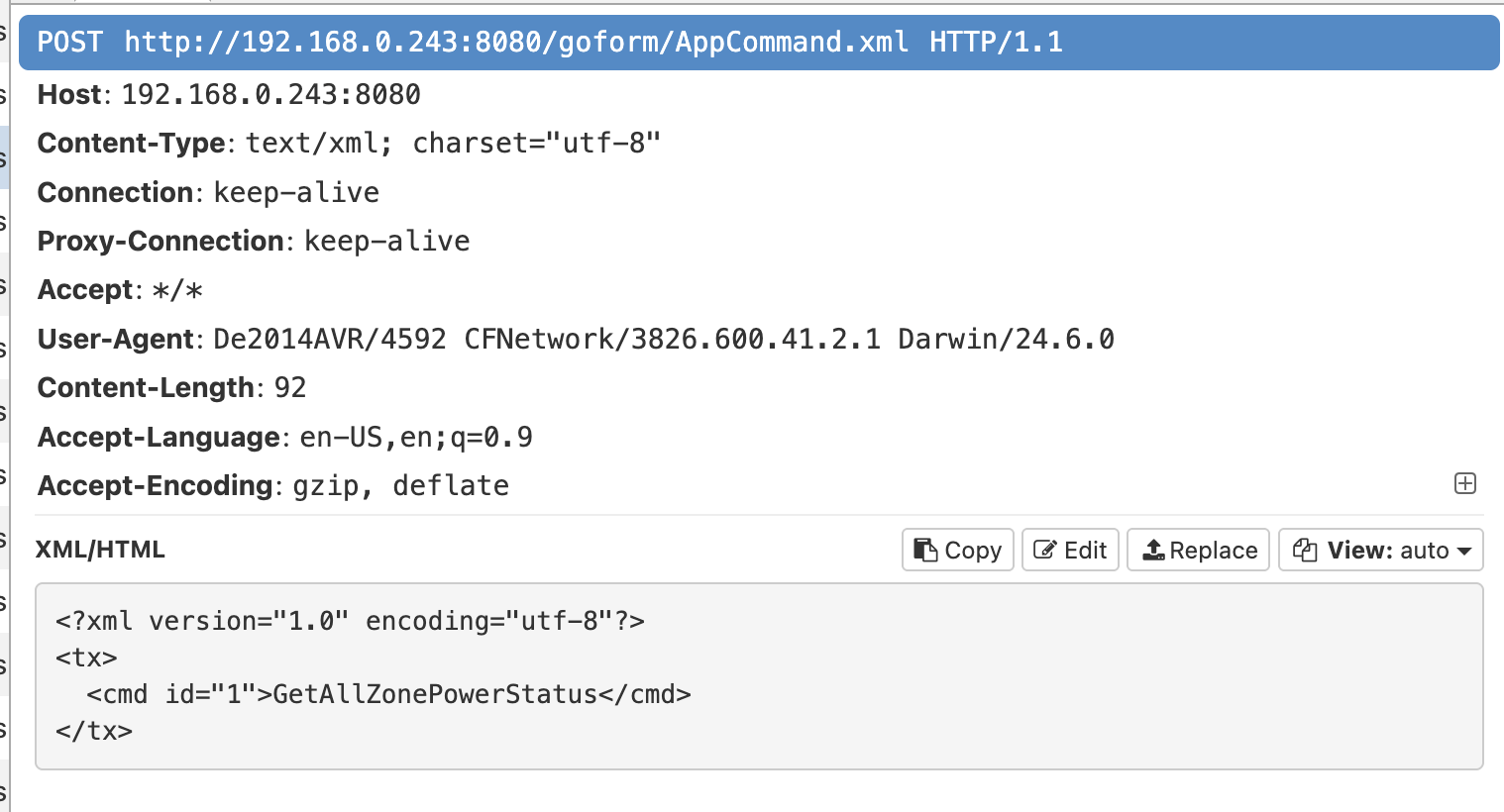
GetAllZoneStereo
GetAllZonePowerStatus
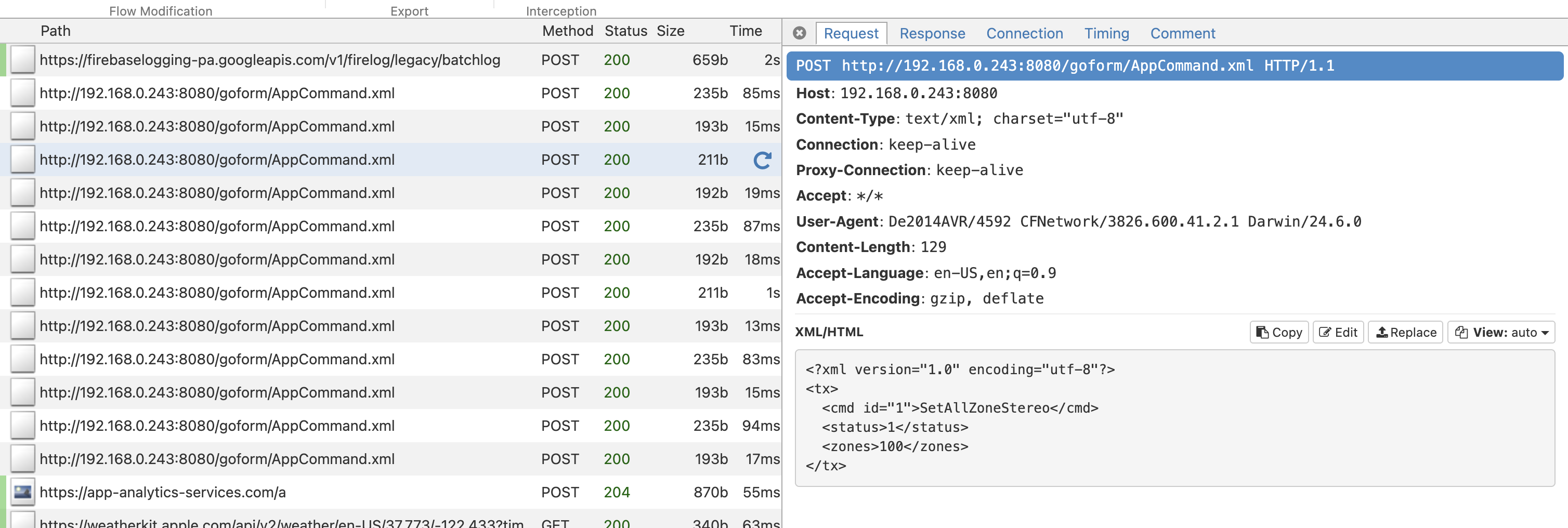
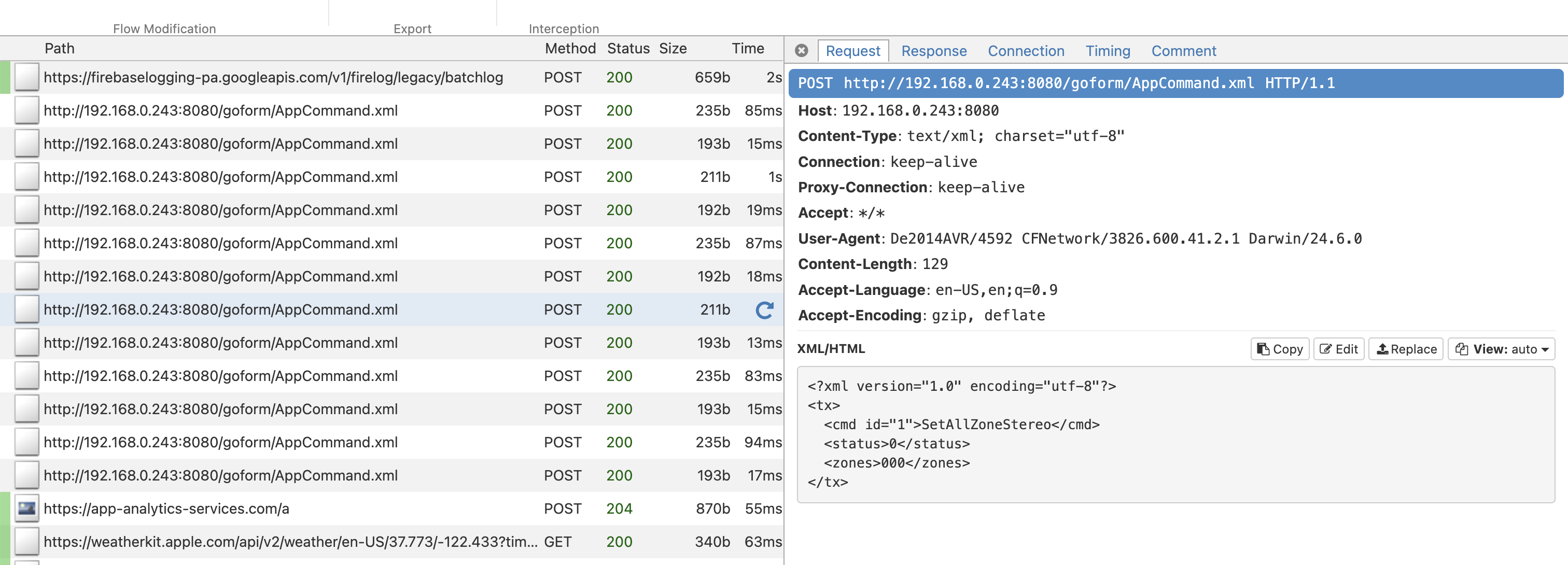
However there are also the commands to turn it on and off, adjust volume, and most importantly for me, SetAllZoneStereo and SetInputFunction.
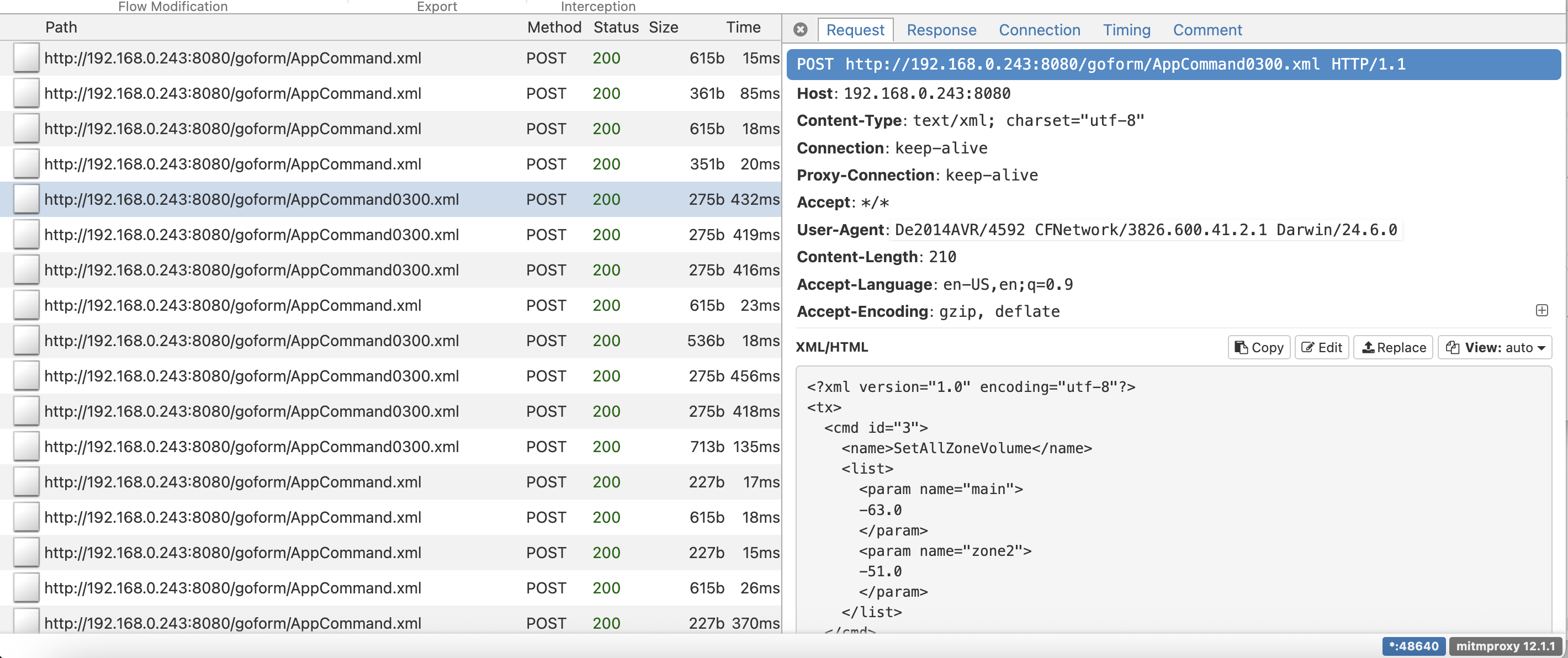
SetAllZoneVolume
SetAllZoneStereo (on)
SetAllZoneStereo (off)
For each of these you
<?xml version="1.0" encoding="utf-8"?>
<tx>
  <cmd id="1">GetAllZoneStereo</cmd>
</tx>
and get a response:
<?xml version="1.0" encoding="utf-8" ?>
<rx>
  <cmd>
    <status>1</status>
    <value>0</value>
    <zones>000</zones>
    <selections>100</selections>
  </cmd>
</rx>
The cmd id='1' in the payload is for /goform/AppCommand.xml, whereas it's id='3' for AppCommand0300.xml (corroborated by these scrapes on GitHub). I'm not sure if there's a hard rule for which goes to which, but SetAllZoneVolume was the only one pointing to AppCommand0300.xml out of what I used.
Now all you need to do is curl the endpoint from within your network with a Content-Type and the string payload. Here's a sample command that enables "All Zone Stereo":
curl -X POST 'http://192.168.0.243:8080/goform/AppCommand.xml' \
  -H 'Content-Type: text/xml; charset="utf-8"' \
  --data-binary $'<?xml version="1.0" encoding="utf-8"?>
<tx>
  <cmd id="1">SetAllZoneStereo</cmd>
  <status>1</status>
  <zones>100</zones>
</tx>'
If you want to see the rest of the commands, I put all the payloads and responses in this public Gist.
Putting it all together
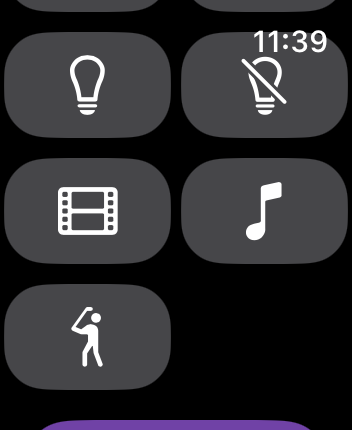
With this reverse engineered it was trivial to hook it into my personal home automation app (stemming from a system I built in college called Victor that I've blogged about previously), and have it live right on my Apple Watch.
10
Thanks to SF Symbol's figure.golf, , which uses U+101529 from a Unicode Private Use Area.
Now all I need to do is click the "Movies" or "Music" or (most importantly) "Golf" button and the inputs, zones, and volume are all set to my presets!
Now watch this drive.
-
Get @#$%ed, Mario Kart. ↩︎
-
Time will tell if I buy a Switch 2 solely for the sequel. ↩︎
-
Admittedly it creates the itch too. Damn good to scratch though. Damn good. ↩︎
-
This regularly goes on sale, so don't pay more than $400, and you can get it substantially cheaper. ↩︎
-
The previous owners seemingly never used the ceiling speakers: when I moved in I asked how they were wired and they said they had no idea and never turned them on. They lived there for years. Baffling. ↩︎
-
Though transitioning Spotify from the living room feels a little like one of your headphones falling out. ↩︎
-
It's not responsive until that happens, and this process takes around 2s every time because it never caches what it's going to show. ↩︎
-
One of these days I'll turn this into a Snippet so I can stop linking to the Letterboxd post. ↩︎
-
Extensible Markup Language, which beats a lot of other serialization formats by actually allowing <!-- comments --> (cough looking at you JSON cough) ↩︎
-
Thanks to SF Symbol's
figure.golf, , which usesU+101529from a Unicode Private Use Area. ↩︎